Wellness Resorts & Spa
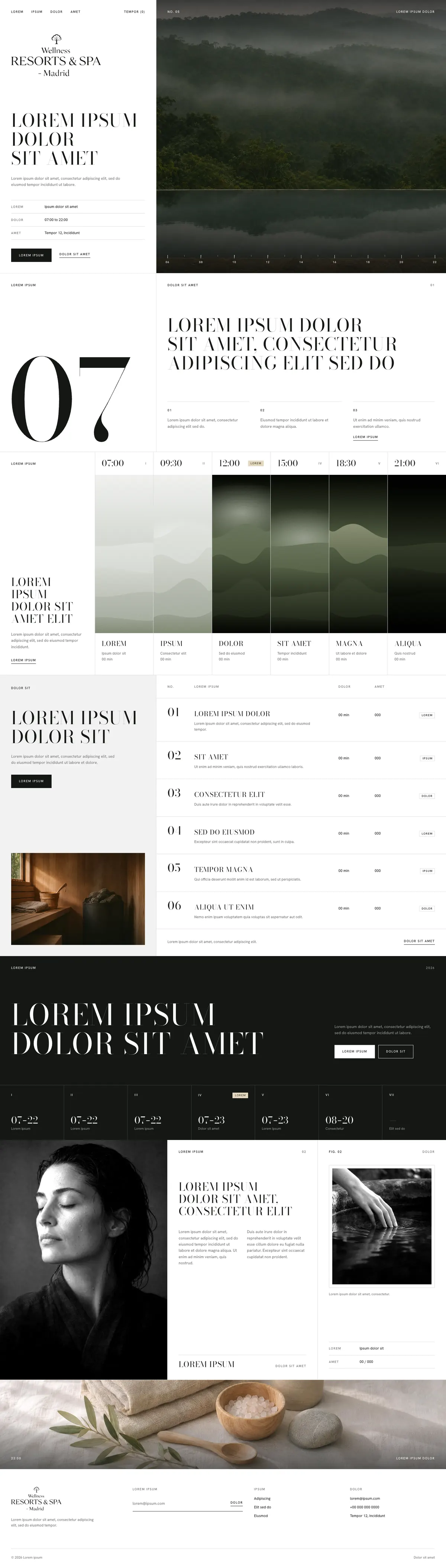
Spa resort, set in the system Maison with Bodoni Moda and Hanken Grotesk
Upload your logo and pick your colors. Arvelo sets them in one of eleven design systems and hands you brand guidelines, a web design and a style file for your AI. For $149, not the $3,000 a studio charges.
Try it with your own logo first. You pay when you download the kit.
This went in

A spa, a start-up, a running club and a pastry shop. Each kit began with nothing but a logo and a few colors. Hover over a kit to scroll through its web design.
Spa resort, set in the system Maison with Bodoni Moda and Hanken Grotesk
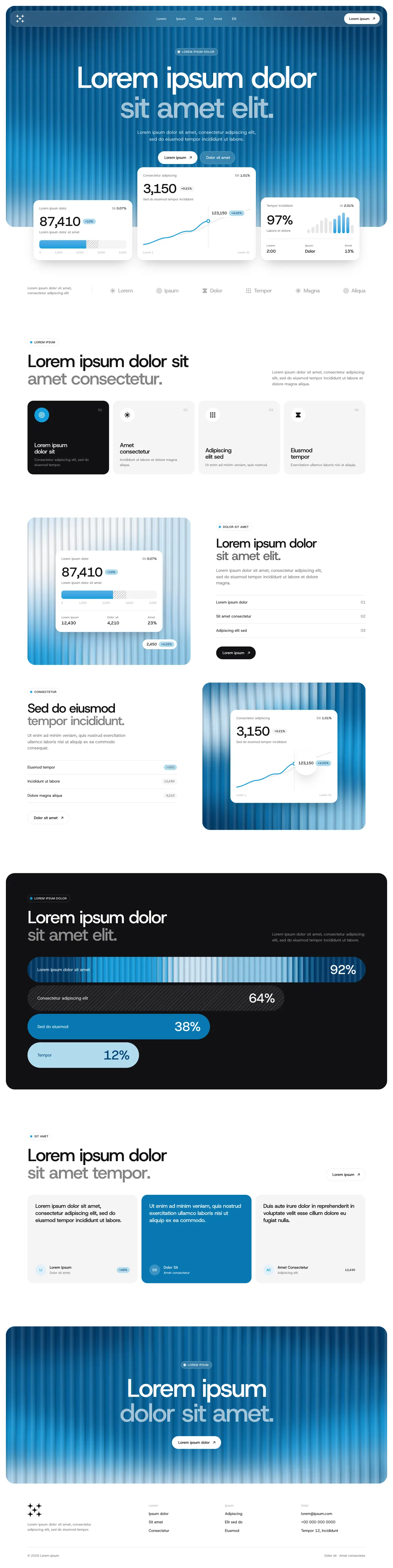
Software, set in the system Glass with Host Grotesk
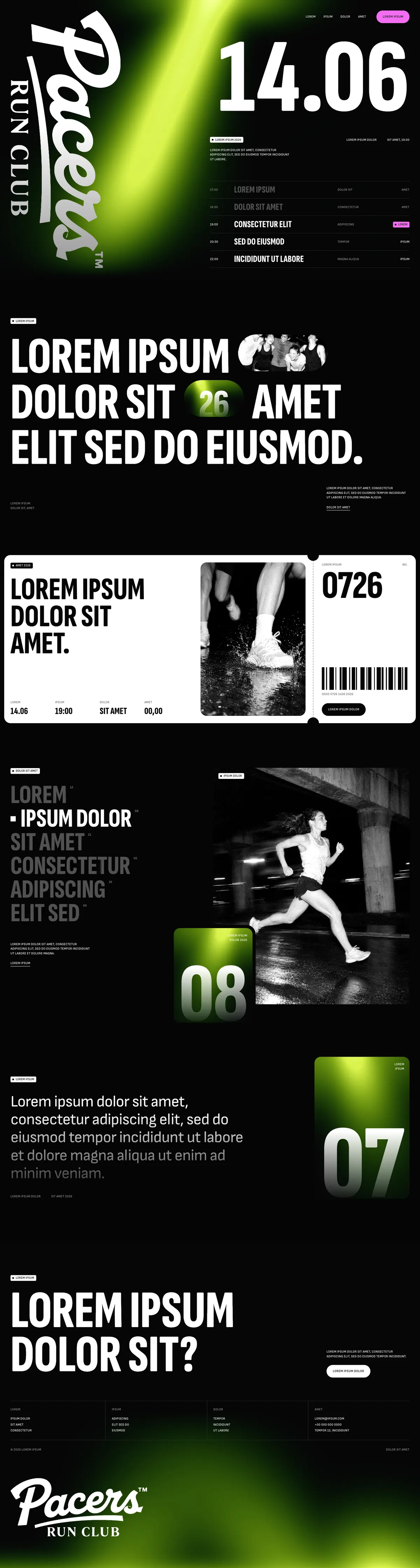
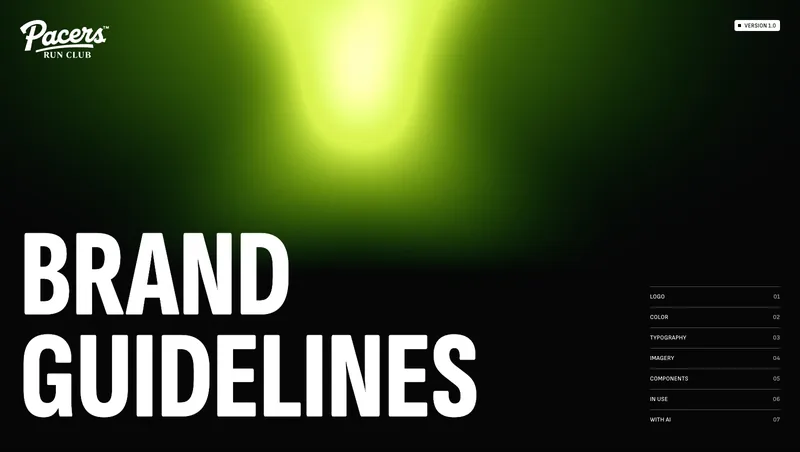
Running club, set in the system Poster with Sofia Sans Extra Condensed and Sofia Sans
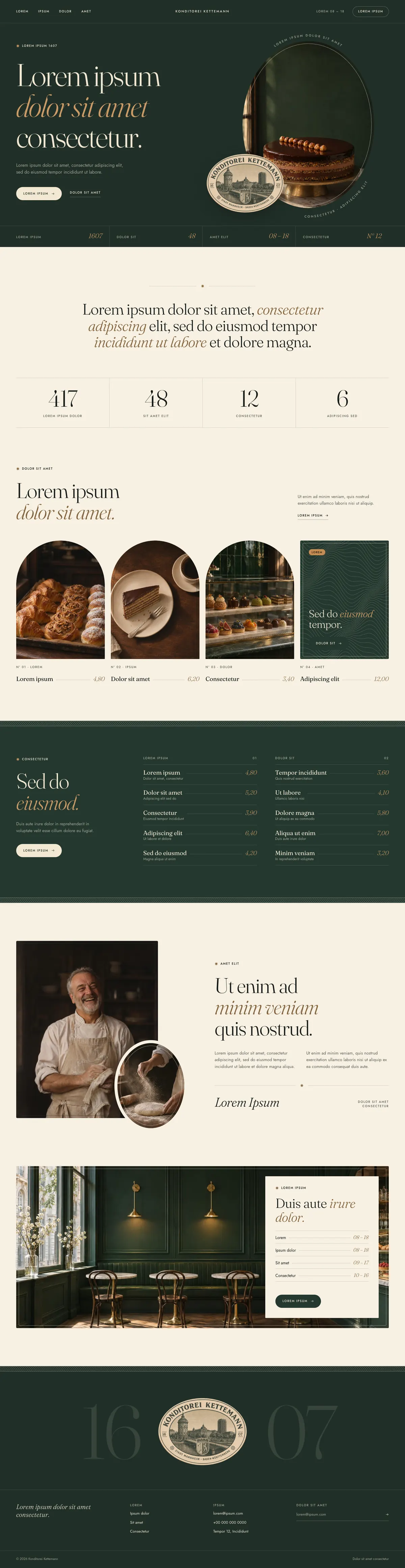
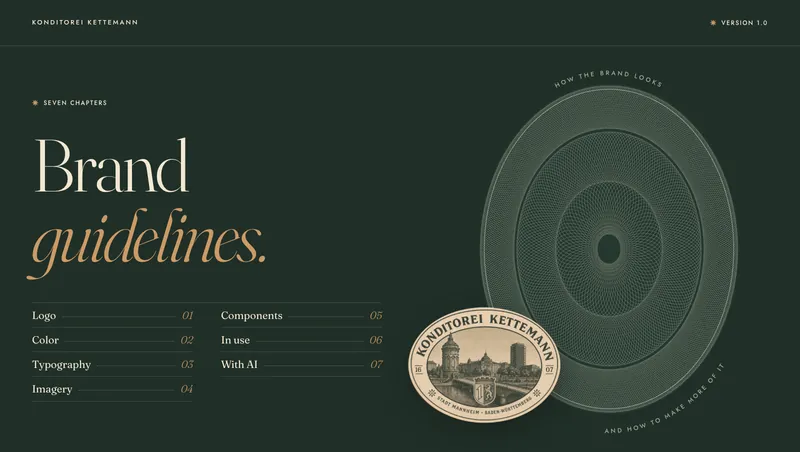
Pastry shop, set in the system Vignette with Fraunces and Jost
The examples are shown with photos for illustration. Arvelo makes no photos and no copy, and your kit comes without both: you add your own, in your own AI.
logo.png
A PNG is enough. It doesn't have to be a perfect vector file.
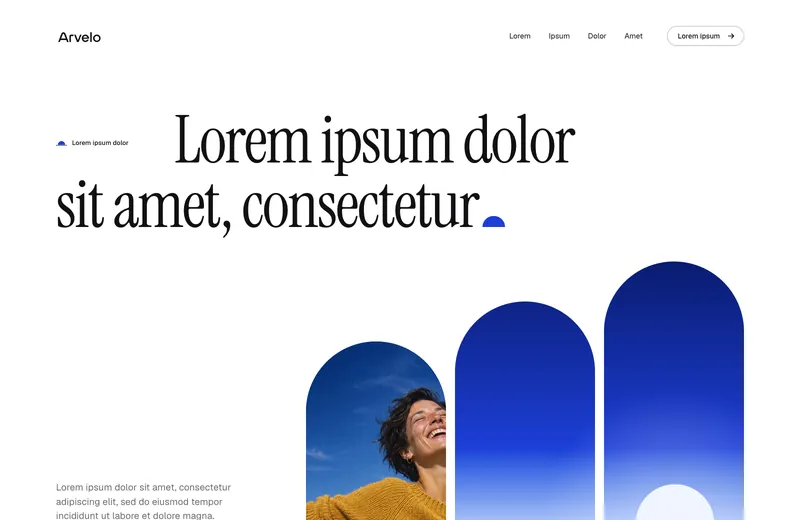
Daylight
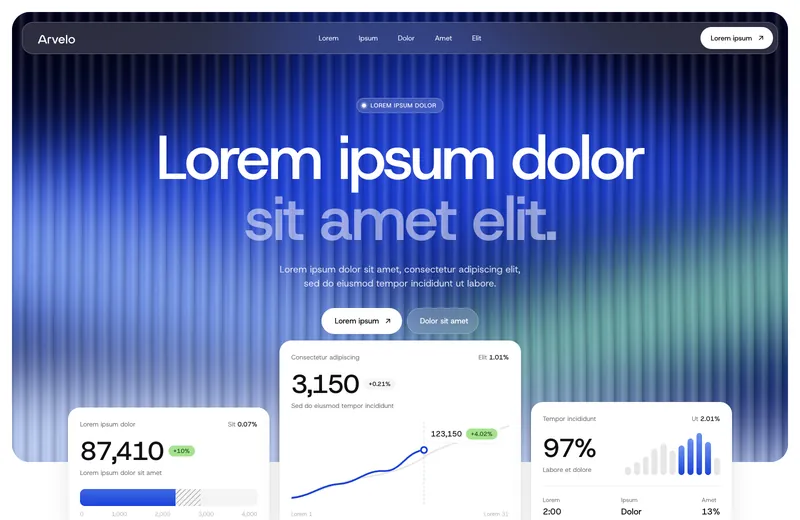
Glass
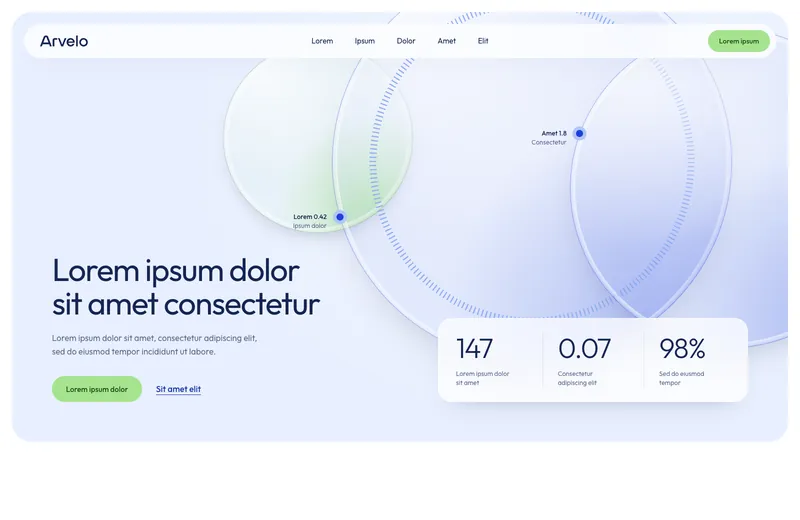
Lab
Choose your brand colors and one of eleven design systems. Fonts, layouts and components come with the system.
One ZIP file, yours to keep. Open the guide first: it tells you what to do with the rest.
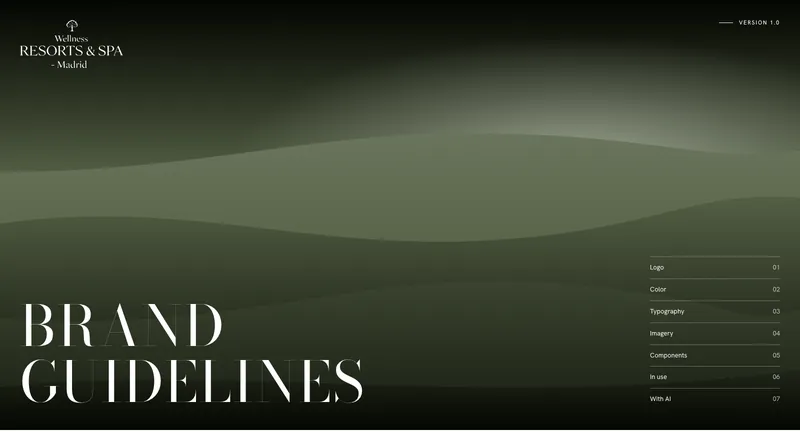
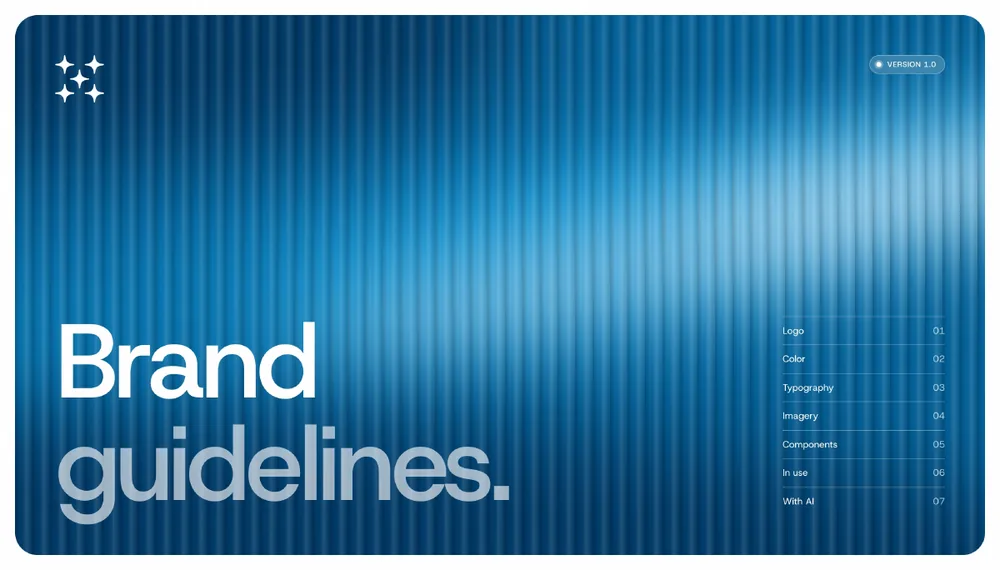
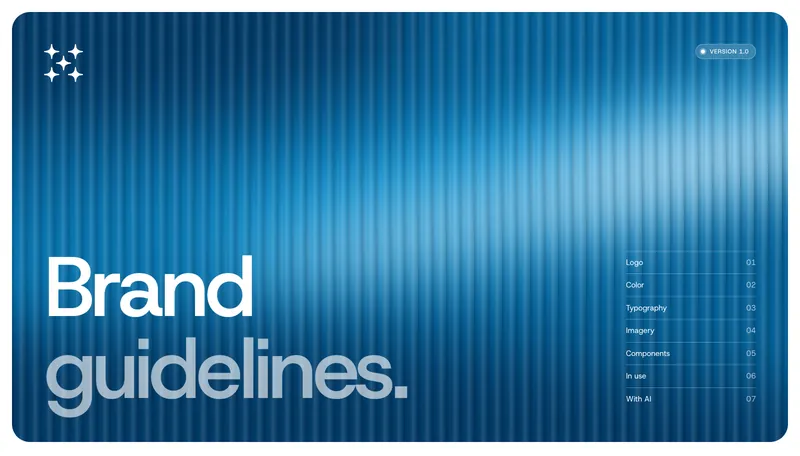
These are the guidelines of the spa example, page by page, as a customer gets them. Every rule is written down, so the next thing you make looks like the last one.
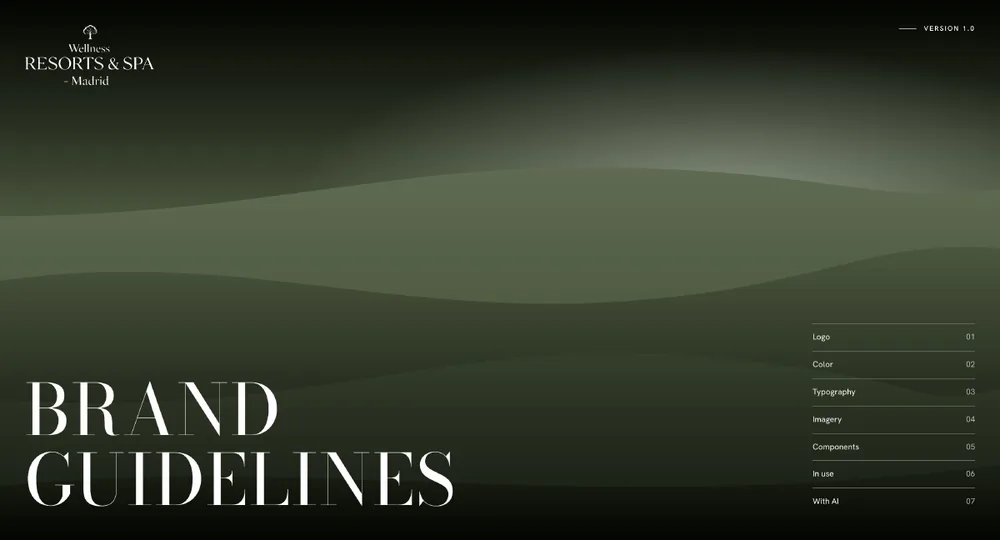
Page 1 of 8, Cover
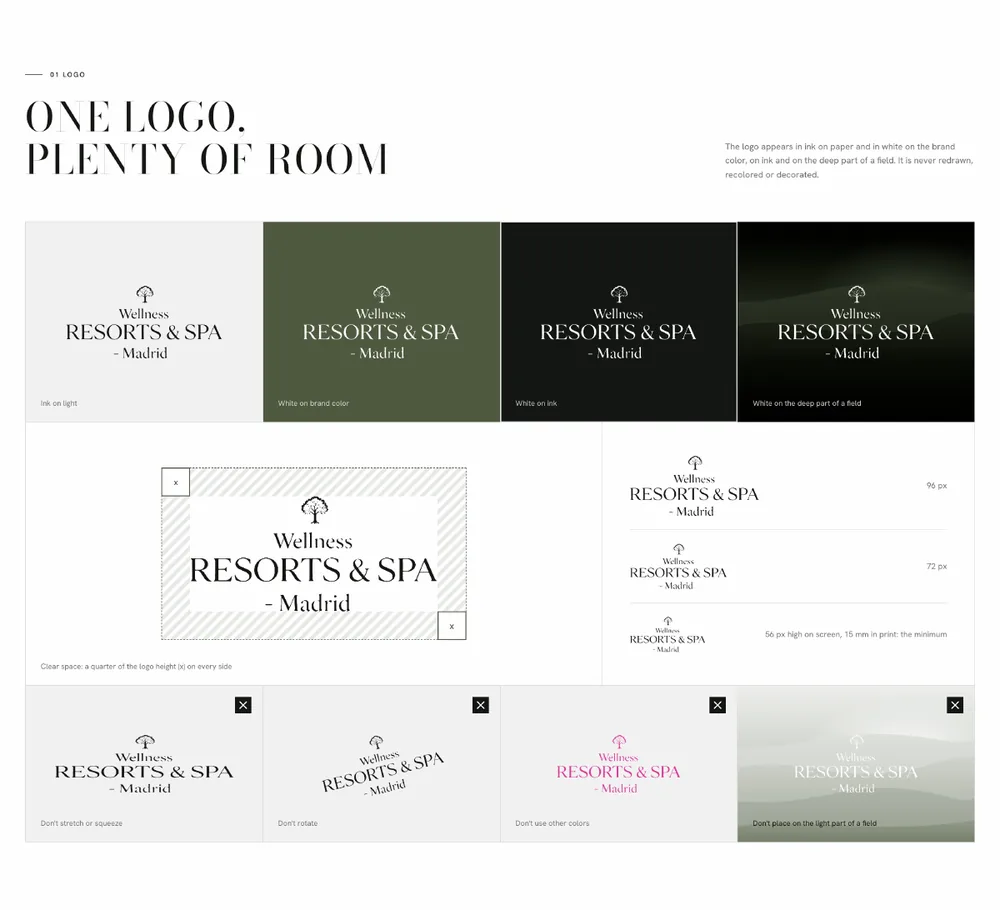
Page 2 of 8, Logo
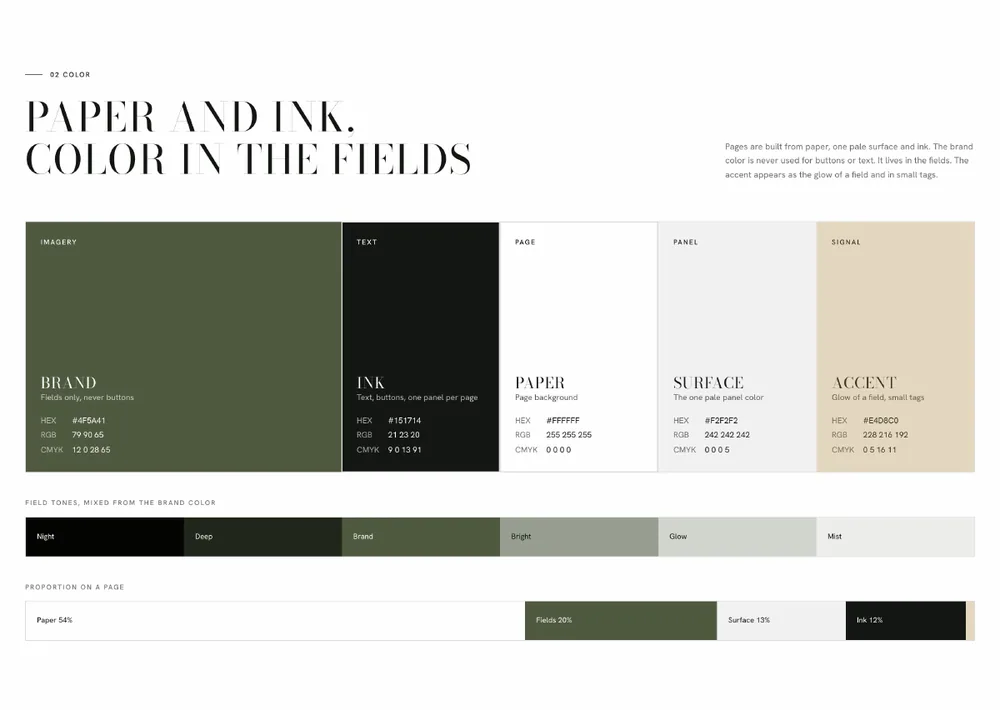
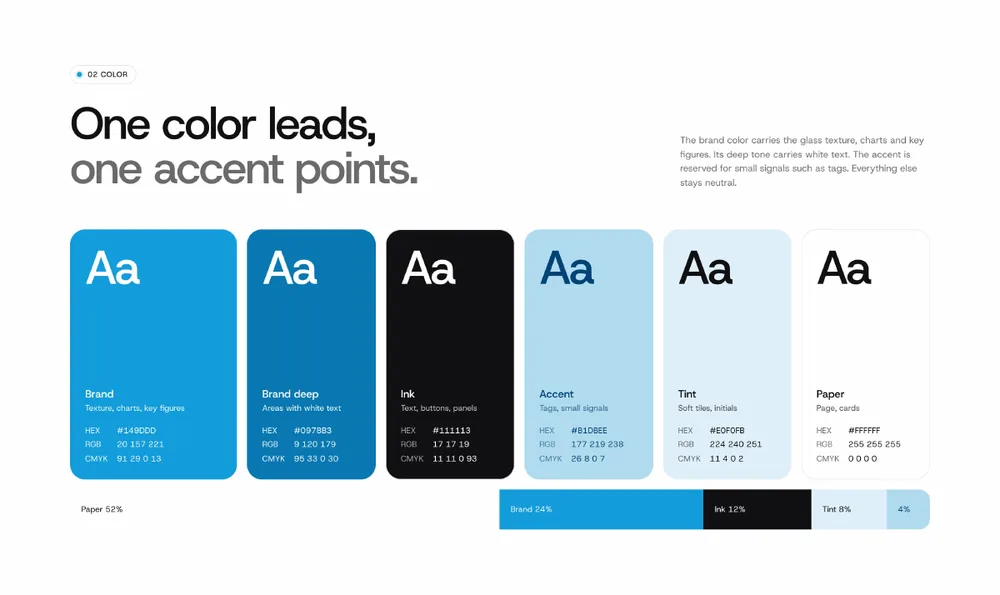
Page 3 of 8, Color
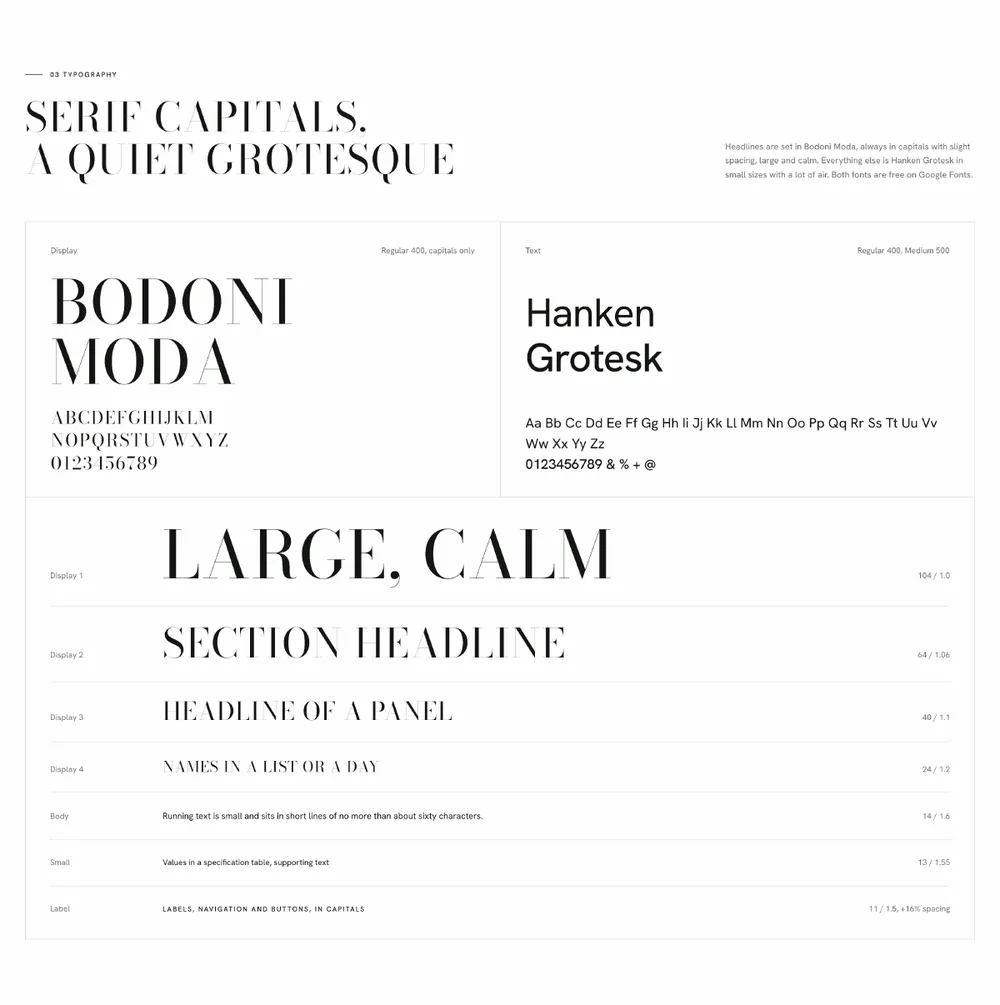
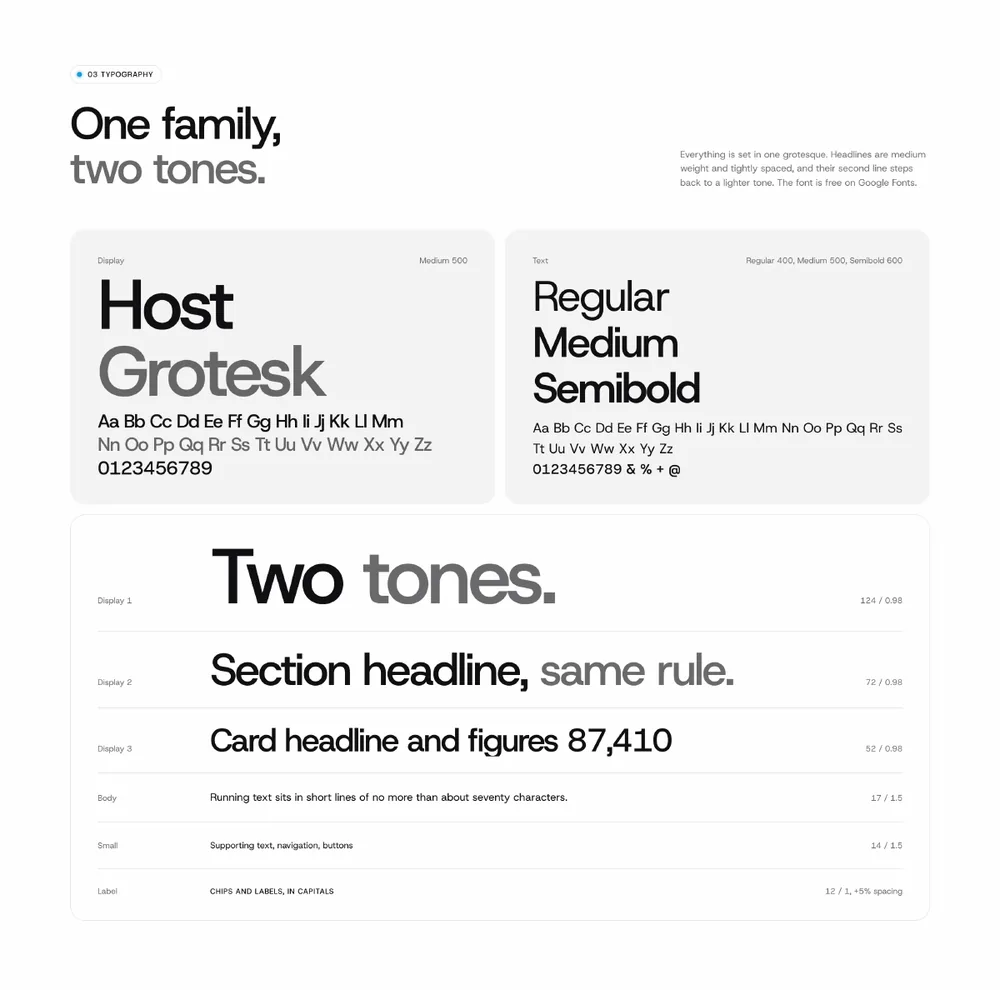
Page 4 of 8, Typography
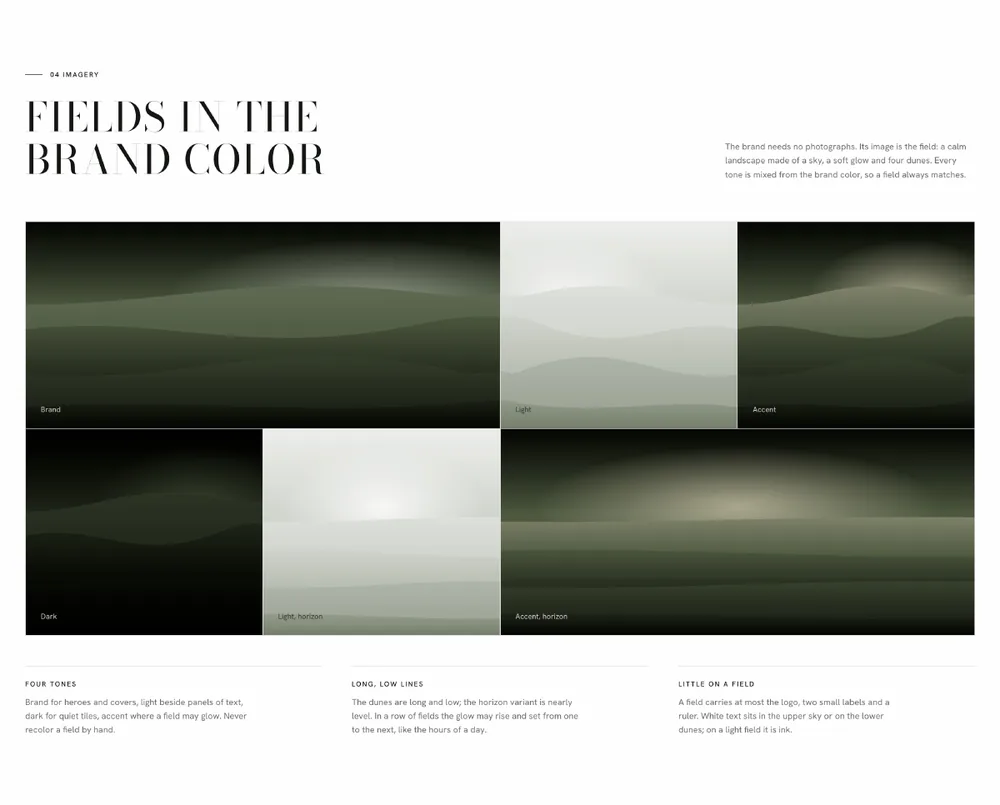
Page 5 of 8, Imagery
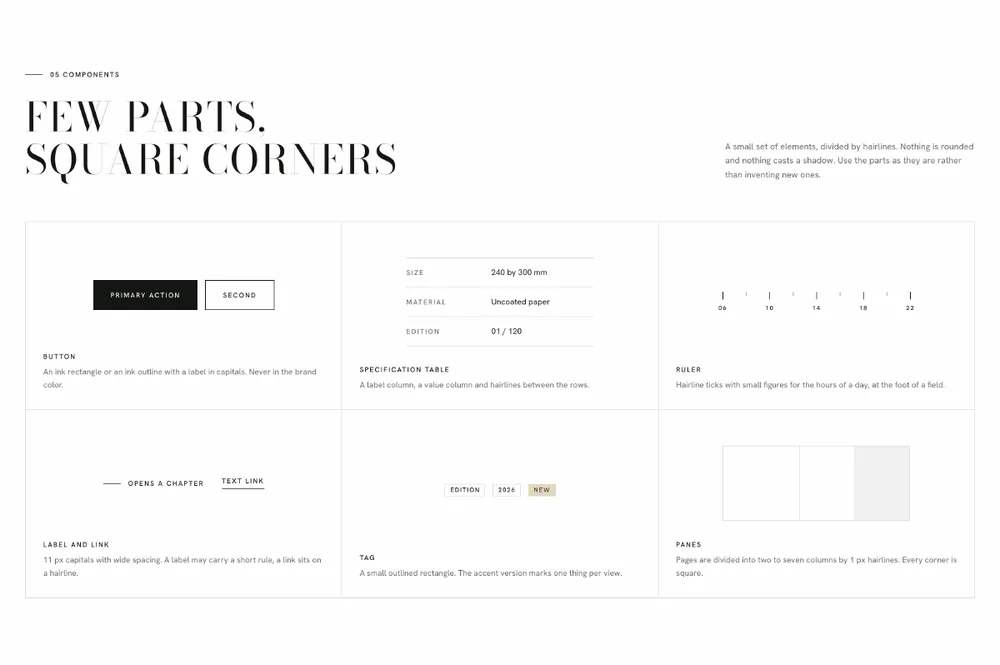
Page 6 of 8, Components
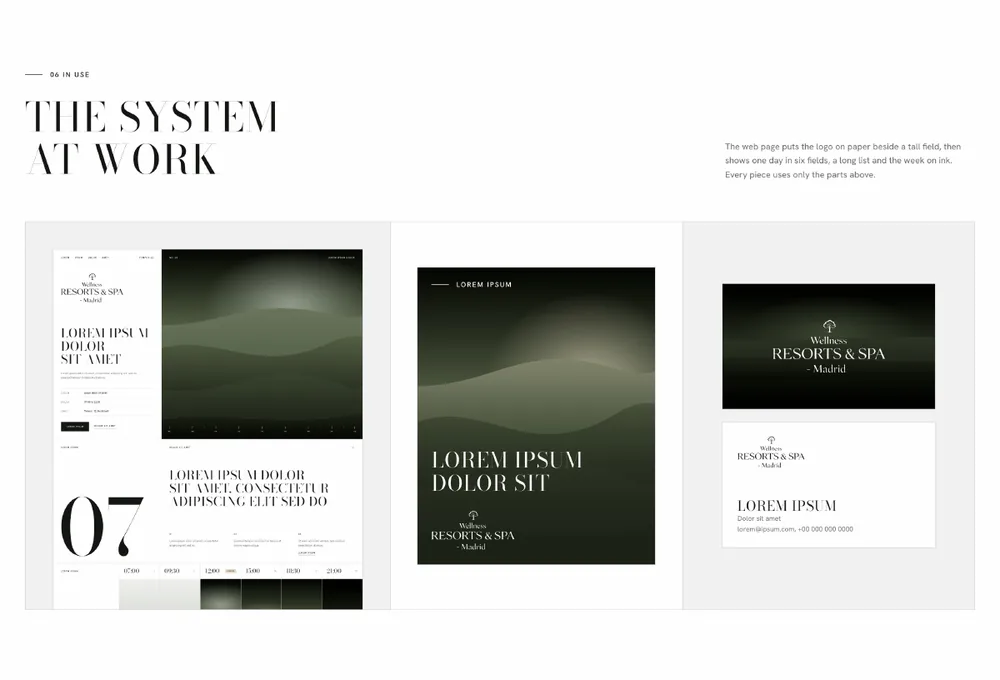
Page 7 of 8, In use
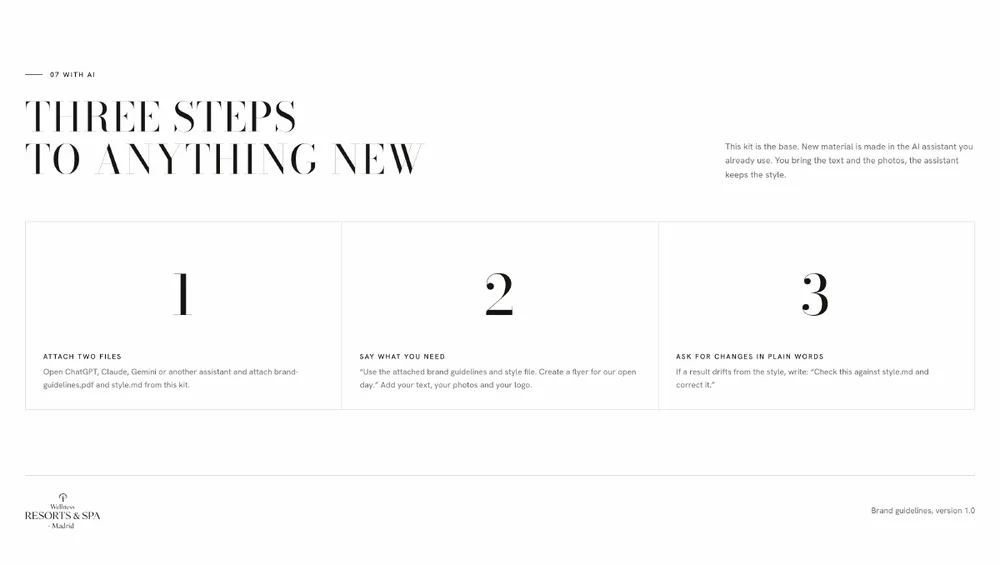
Page 8 of 8, With AI
Eight pages: logo, color, typography, imagery, components and the system in use. With HEX, RGB and CMYK values and every type size.
One complete example page in your colors and fonts. It shows your developer or your AI what a finished page of your brand looks like.
Three images in your style, in the formats 4:5, 1:1 and 9:16. Examples for your posts and stories.
Six slides in your colors and fonts, as the example for your next deck.
An A5 flyer, front and back, as a PDF.
The same rules, written for ChatGPT, Claude or Gemini. You never have to read it. Your assistant does.
Your AI assistant can write and it can lay things out. What it can't do is keep a look: ask twice and you get two different brands.
The style file fixes that. Attach it with the guidelines, say what you need, and the flyer, the slide deck or the landing page comes back in your colors, your fonts and your components.
That is also why the kit contains no photos and no copy. Those are yours, and your AI places them well once it knows the rules.
Arvelo itself runs no AI. The design systems are made by hand, and your kit is assembled from them with your logo and colors, the same way every time. The AI part happens later, in your own assistant.
Use the attached brand guidelines and style file. Create a flyer for our open day on 14 June.
Both prompts are in the short guide that comes with your kit.
A system is a complete look: a type pairing, a color logic, components and its own imagery. Here all eleven wear the same logo and the same blue. Yours will wear your logo and your colors.
Daylight
Calm, optimistic, editorial
Glass
Light, precise, modern
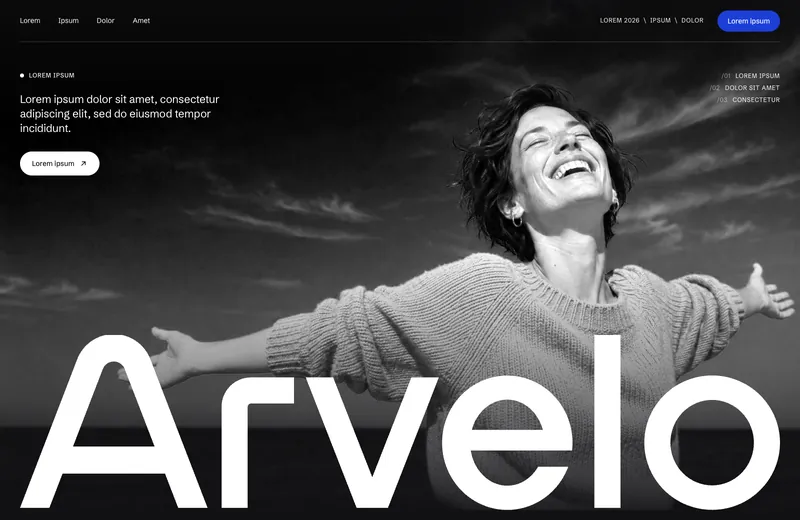
Wordmark
Dark, confident, logo first
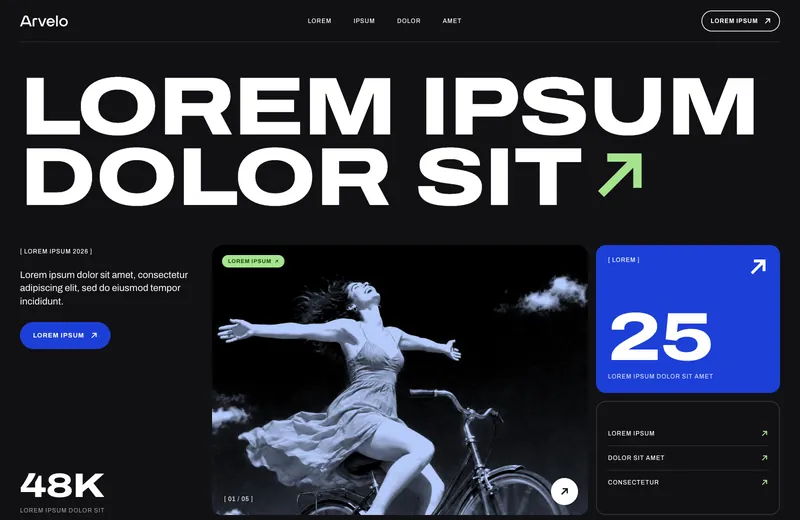
Signal
Loud, graphic, fast
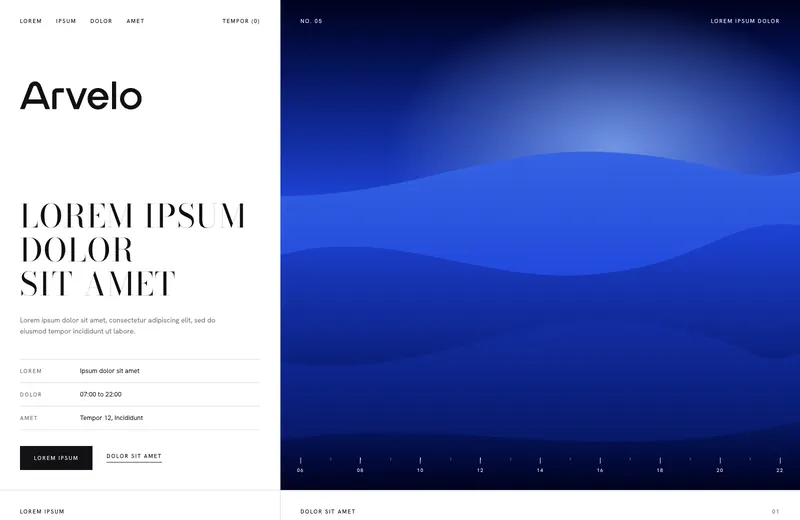
Maison
Quiet luxury in serif capitals
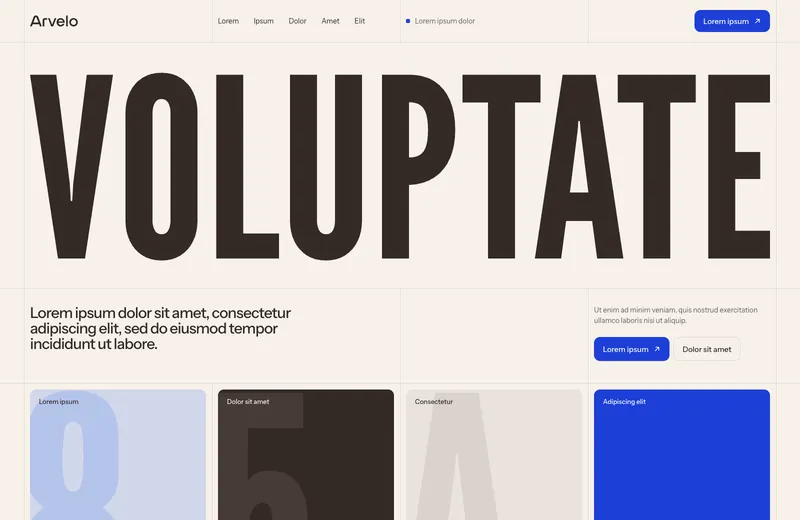
Atelier
Warm and crafted, like a plan
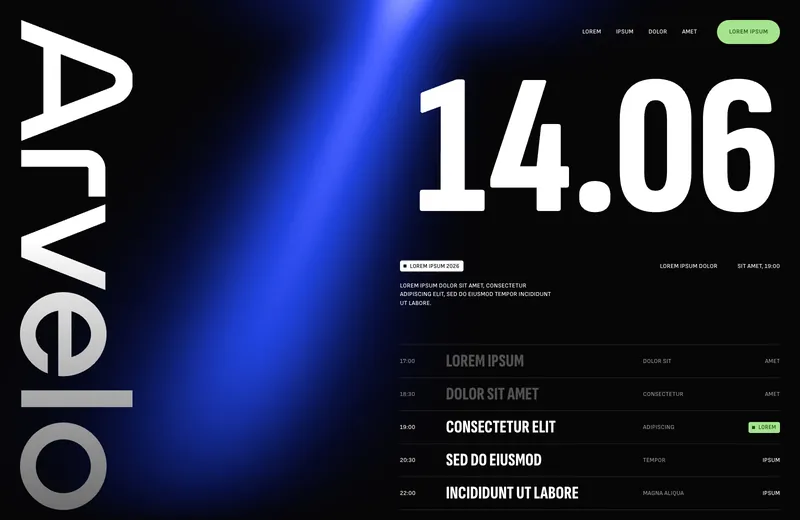
Poster
Bold and urban
Lab
Precise, calm, airy
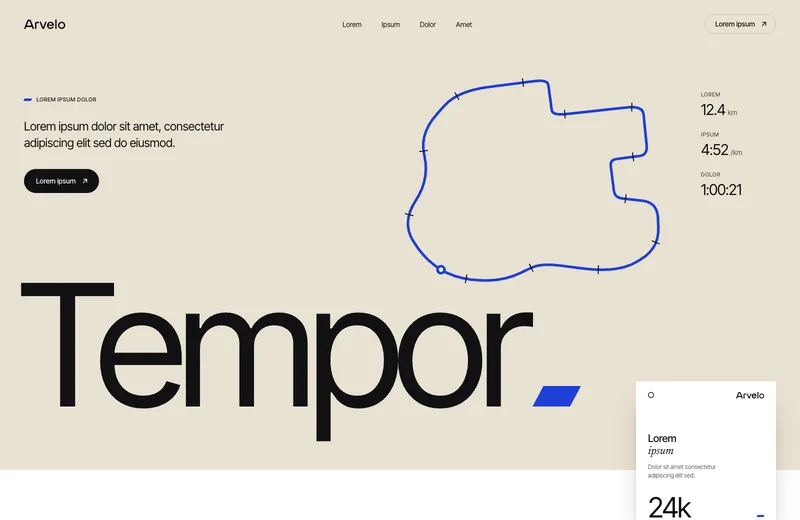
Stride
Active, built for performance
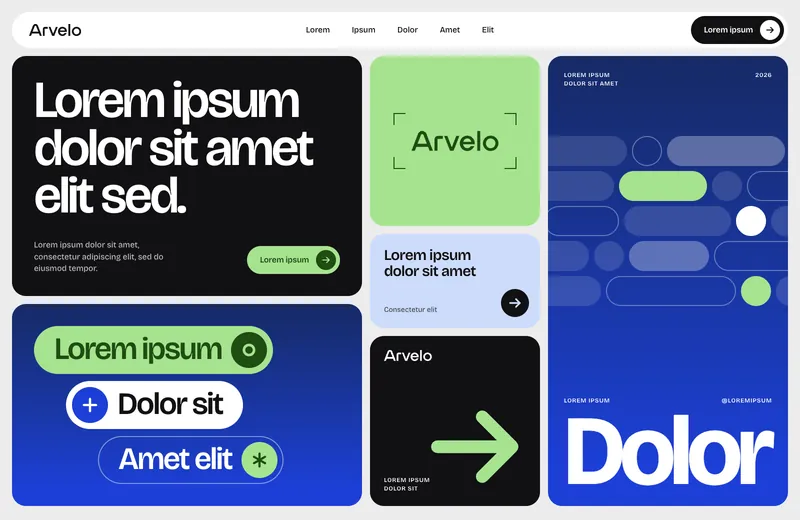
Pills
Friendly and colorful
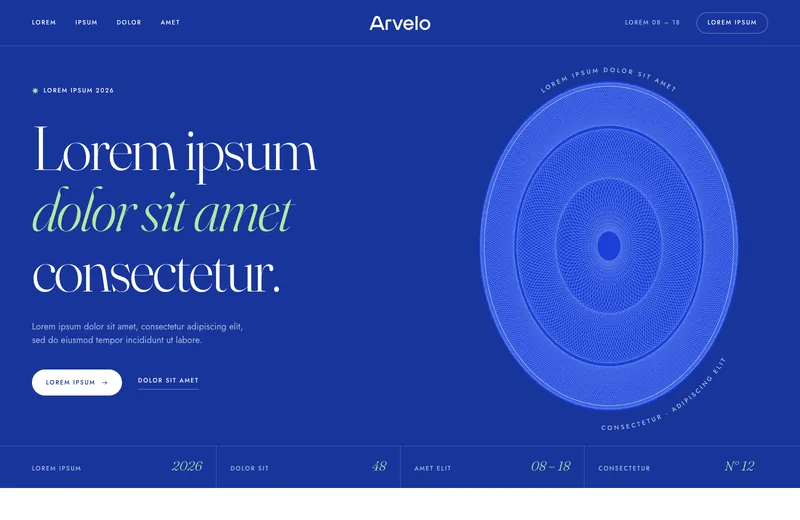
Vignette
Traditional craft, set in a modern way
A studio starts from a blank page for every client, and you pay for those weeks. The design work in Arvelo is already done, eleven times over. Your kit applies a finished system to your brand, so you pay for the result and not for the hours.
Price
$3,000 and up
Time
Weeks
The look
Made for you
Consistency
Guidelines as a PDF
The next flyer
Another invoice
Price
Free
Time
Minutes
The look
The look everyone gets
Consistency
Different every time you ask
The next flyer
Start over
Price
$149, once
Time
Minutes
The look
One of eleven complete systems, in your colors
Consistency
Guidelines and a style file your AI follows
The next flyer
Your AI makes it, on brand
incl. VAT, one payment
Build your kit with your own logo and look at every page before you pay. After the payment it is ready to download in about a minute.
In every kit
Not in the kit: photos and copy. You add both later, in your own AI.
Your logo as an image file and your brand colors. A PNG of the logo is enough.
Yes. Upload your logo, set your colors and pick a design system. You see every part of your kit as a preview with a watermark. You pay when you want the files.
No. The kit is the design: logo rules, colors, typography, components and layouts. The layouts use placeholder text. Your photos and your copy come from you, and you add them in your own AI assistant.
No. It is one designed example page, delivered as PNG and PDF. It shows what a page of your brand looks like. Your AI assistant or your developer builds real pages from it with the style file.
ChatGPT, Claude, Gemini and any other assistant that can read a PDF and a text file. You attach two files and say what you need.
No. Every design system is designed by hand. Arvelo places your logo and colors into the system you choose, the same way every time. No AI model, no prompts and no generated images. The style file is for your own AI, after the download.
No. Every design system uses free Google Fonts.
No. You make three choices: logo, colors and a design system. The kit comes with a short guide for what to do next.
You pay $149 once on the checkout page. About a minute later your kit is ready to download as a ZIP file, and we send you the link by email. The link works for 30 days.